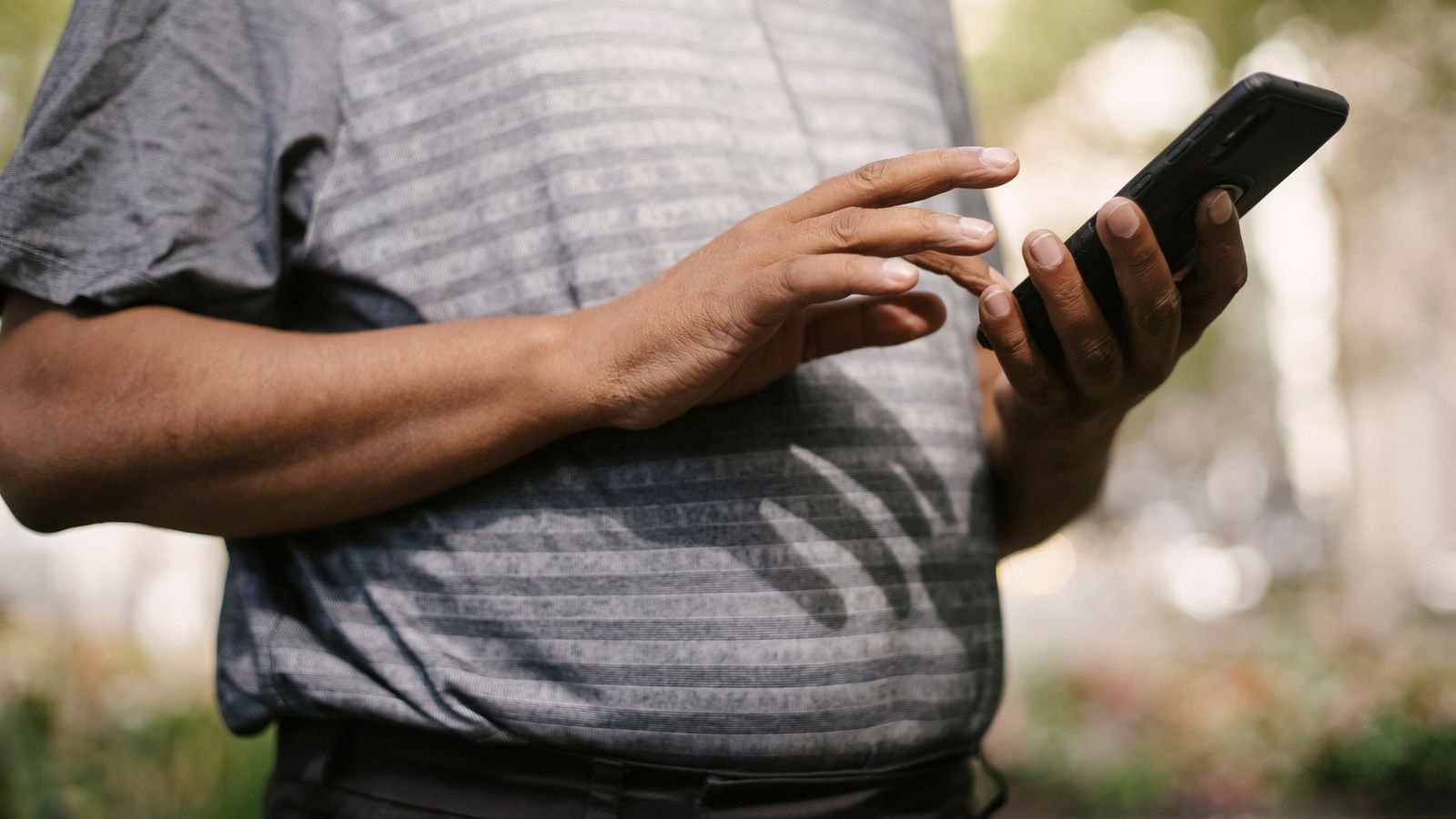
A woman rear-ended on Flamingo Road stands on the shoulder with her phone in one hand and her insurance card in the other. She finds your firm, opens the menu, scrolls, and still cannot see a number, while a chat bubble covers half the screen. If your law firm website mobile call button is hidden, tiny or blocked, she calls the next firm in the results. The fix is rarely a redesign. It is a short audit of the path from any page to a ringing phone.
Here is the test to run on every page of your site. On a phone, can a caller reach your firm in two taps? One tap on a visible call button, one tap to confirm the call. Every extra step is a place to lose someone who needed you today.
Why the call path matters more than the homepage
Most callers never see your homepage. They land on a practice area page, a blog post about a DUI checkpoint on the Strip, or a location page they found in search. Each of those pages has to carry its own call path. If the number only shows clearly in the homepage header, every other page is leaking calls.
For practices like personal injury, criminal defense and family law, many inquiries start on a phone. The person is stressed, often outside, and usually using one thumb. They will not hunt for your number. A page that makes them hunt hands them to a firm that did not.
Our broader guide to conversion rate optimization for law firm websites covers forms, copy and trust signals across the whole site. This piece narrows in on one lever, the mobile call path, because it is one of the easiest things to check and one of the quickest to fix.
What gets in the way of a two-tap call
When we test law firm sites on a phone, the same problems turn up again and again. None of them look serious on a desktop monitor, which is why they survive for years.
- The number lives inside the menu. The caller has to find the menu icon, open it, and scroll past every practice area to reach a phone number.
- The number is plain text. It shows on screen but is not a tap-to-call link, so the caller has to copy it or memorize it.
- The number is an image. A phone number baked into a banner graphic cannot be tapped at all.
- Sticky bars collide. A sticky header, a sticky call bar and a cookie notice stack over each other and hide the form’s submit button.
- Chat widgets sit on the call button. The chat bubble opens over the exact corner where the call button lives.
- Pop-ups open on load. The first thing a caller sees is a box asking for an email address, with a close button the size of a grain of rice.
- Tap targets are tiny or crowded. A small phone icon sits right beside the menu icon, so a hurried thumb opens the wrong one.
How big should a tap target be
The web accessibility standards give a clear floor. The W3C’s explanation of Success Criterion 2.5.8, Target Size (Minimum) sets a Level AA requirement that pointer targets be at least 24 by 24 CSS pixels. It allows exceptions, such as enough spacing around a smaller target or the same function being available through another control on the page.
Treat that size as the minimum, not the goal. The same W3C page suggests aiming for the larger, enhanced target size on important links and controls. Nothing on a law firm page is more important than the call button. A full-width call bar, or a button sized for a thumb, gives a shaking hand room to miss and still connect.
Spacing matters as much as size. A call icon pressed against the menu icon invites the wrong tap. A caller who opens the menu by mistake has to close it and try again, and some of them simply will not.
How to audit your call path at 390 pixels
You can run this check on your own phone, or in your desktop browser’s device mode set to a screen width of 390 pixels, a common phone width. Do it on the pages that actually bring in callers, not just the homepage.
- List your main entry pages. Include the homepage, each practice area page, each location page and the blog posts that get the most visits.
- Open each page fresh. Without scrolling, is a call button visible on the first screen?
- Tap it. Does the phone’s dialer open with the right number already filled in?
- Count the taps. From page load to the dialer, it should be two at most.
- Scroll down and back up. Does any sticky bar cover a form field, a submit button or the call button itself?
- Wait a few seconds. Does a chat widget, cookie notice or pop-up slide over the call path?
- Check the size and spacing. Is the call button at least the 24 pixel floor, and well clear of other buttons?
- Turn the phone sideways. Does the call button still show when the screen is wide?
Write down every page that fails and why. Most law firm sites run on a handful of templates, so one template problem often explains many failing pages. That is good news, because one template fix clears them all at once.
Fixes that usually solve it
Most failures come down to the same short list of changes.
- Add a sticky call bar along the bottom of the screen, within thumb reach, wide enough to hit without looking, and linked to the phone number with a tap-to-call link.
- Move the chat widget so it sits above the call bar, or delay it until the visitor has scrolled.
- Turn every printed phone number into a tap-to-call link, including the one in the footer.
- Use one main number across the site, or tracking numbers that swap consistently on every page.
- Remove pop-ups that open on page load on mobile.
- Leave space at the bottom of each form so the sticky bar never hides the submit button.
These are template changes, so they belong in your site build rather than in page-by-page patches. Our approach to law firm website design builds the call path into the template from day one, so every new page inherits it without anyone remembering to add it.
What happens after the tap
A two-tap path only pays off if someone answers. A call that rings out after hours, or lands in a full voicemail box, is a lost case that looks like a win in your click reports. Answer speed, overflow routing and after-hours coverage all sit on the other side of that button.
Track calls by source and page so you can see which pages ring and which do not. Our guide to call tracking and speed to lead for law firms explains how tracking numbers and answer times fit together. Call tracking also tells you whether a fix worked. If mobile calls from practice area pages rise after you clear the path, you have proof. If they do not, you move to the next leak.
Who should run this check and how often
A call path that works today can break next month. A new chat vendor, a holiday banner, a plugin update or a fresh landing page for a billboard campaign can each drop something over the call button without anyone noticing. Nobody on your staff browses your own site on a phone the way a new client does.
Give the check to one named person, such as your office manager or intake lead, and put it on the calendar. Once a month is enough for most firms. Run it again any time someone adds a widget, changes the menu or launches a new page. Keep a short log with the date, the pages tested, the tap count and anything that failed. A short log turns a vague worry into a list your web team can act on.
Ask your web team to test on a real phone before any change goes live, not only in a desktop preview. Small screens hide problems that a wide monitor never shows.
Where the call path sits in Cube30
The mobile call path is one of the checks in our 30-point audit, the first of the five Cube30 steps. We open your main entry pages at 390 pixels, count taps to the dialer, and note every overlap and undersized target. When every page gets mapped in step two, each one is assigned a clear next action, and for most practice area pages that action is a call.
We cover the wider set of conversion checks in our write-up on website conversion work for law firms. From there the method stays the same. Practice areas, then local. One contact, and you own the site and every login. Everything is tracked to signed cases, because a call that never becomes a client is not the result you are paying for.
A quick check you can run today
Pick up your own phone. Open your most visited practice area pages, one at a time, and try to call the firm from each. Count the taps. Note anything that covers the button or makes you look twice. Then ask your intake lead how many callers mention trouble finding the number, because people do say it.
If the answer is more than two taps on any page, you have found a fix worth making this month. If you want us to run the full audit with you, schedule a free 30-minute strategy call and we will walk your call path page by page.